Moshi (iPhone) with Herdr
Preview docs describe unreleased preview builds. Stable docs remain at /docs/.
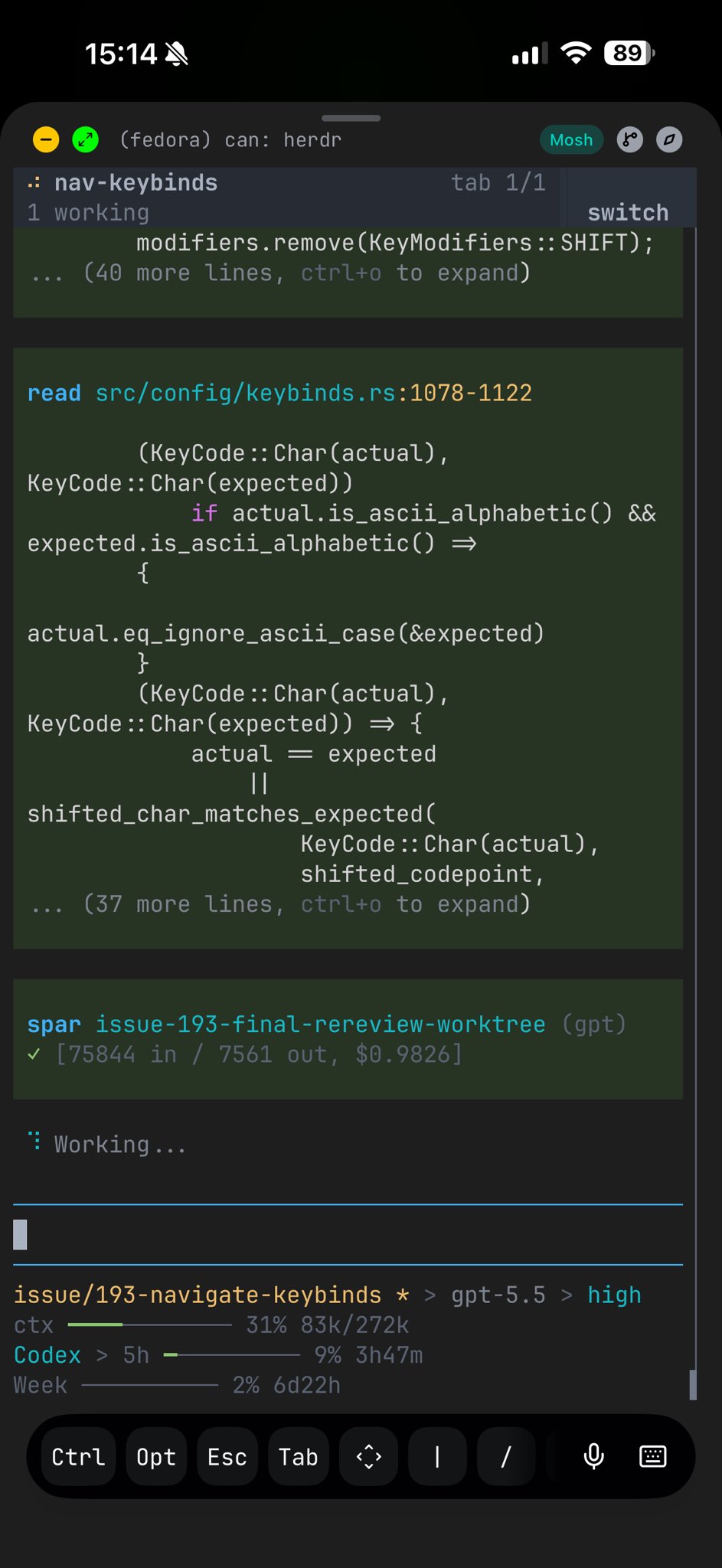
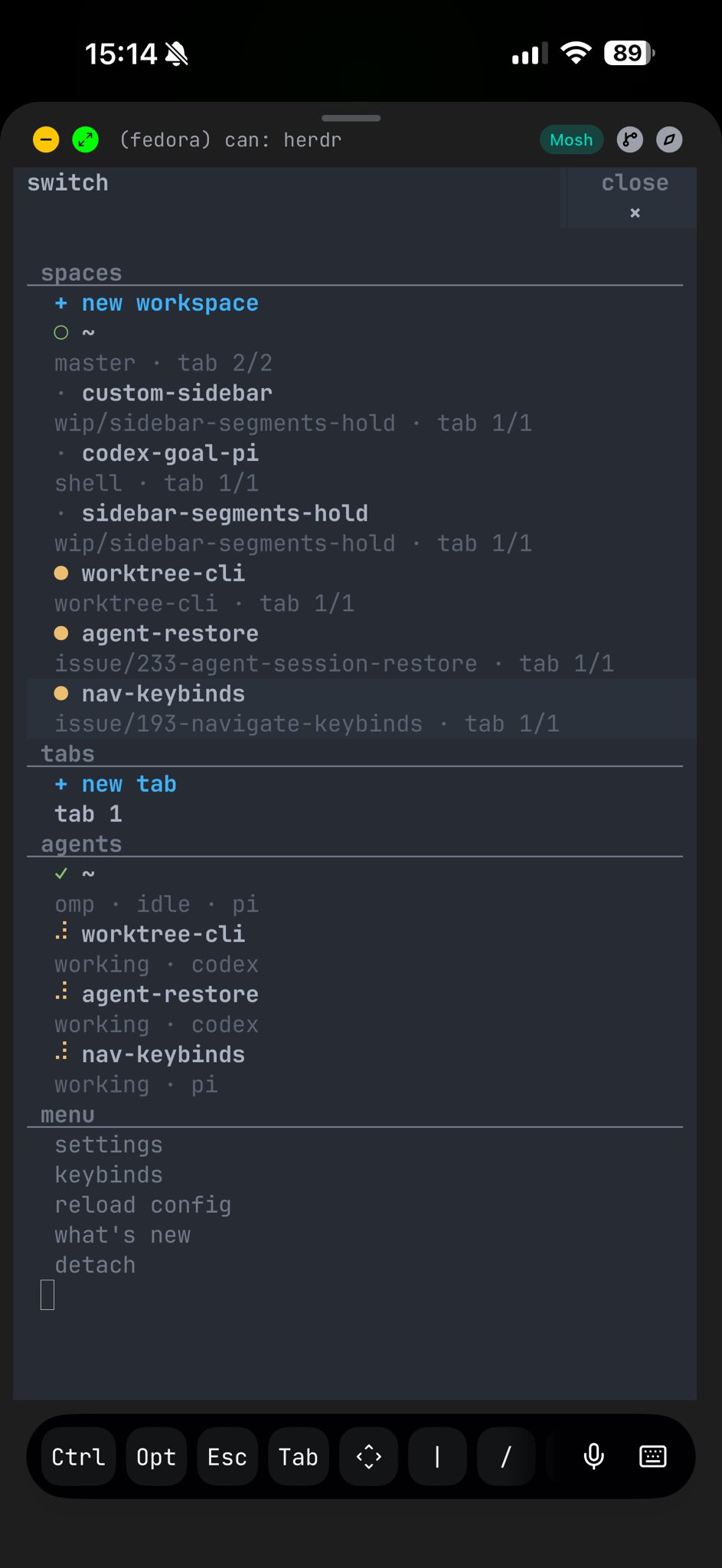
Moshi (getmoshi.app) is a mobile terminal for coding agents on a machine you already control. It is not the Kyutai voice model and this distribution does not use Hermes.
Recommended setup
Section titled “Recommended setup”- Keep agents and shells under Herdr on the host (persistent panes/workspaces).
- Expose the host over SSH (or mosh) — Tailscale is ideal for fleet hosts.
- In Moshi, save a connection to that host and attach to the Herdr session /
pane you care about (or a shell that runs
herdr/herdr session attach). - Optional: use Moshi agent hooks / webhooks for push when an agent blocks; keep Herdr as the server-side multiplexer and state owner.
Why Herdr + Moshi
Section titled “Why Herdr + Moshi”| Concern | Owner |
|---|---|
| Pane persistence, agent state, fleet ops bar | Herdr on the host |
| Phone UI, dictation, push / Live Activities | Moshi |
| Host reachability | SSH / mosh / Tailscale |
Moshi does not replace Herdr. Treat Moshi as a remote client into the machine where Herdr already runs your agents.
Fleet tip
Section titled “Fleet tip”When many hosts are online, prefer unique HERDR_HOST_NAME values and the
gateway GET /v1/ops/context endpoint so operators can see what runs where
before attaching from the phone. See Fleet ops and gateway
for the full HTTP surface. Production inventory plugins belong in
GroepOnline/herdr-ops (com.chefgroep.ops).
The gateway binds to 127.0.0.1, so a phone cannot reach /v1/ops/context
directly. Query it from the host itself, or forward the port over SSH first
(for example ssh -L 7777:127.0.0.1:7777 <host>), then hit the endpoint through
the tunnel.